This page, or parts of it, are still untranslated. Please translate it to the appropriate language (українська).
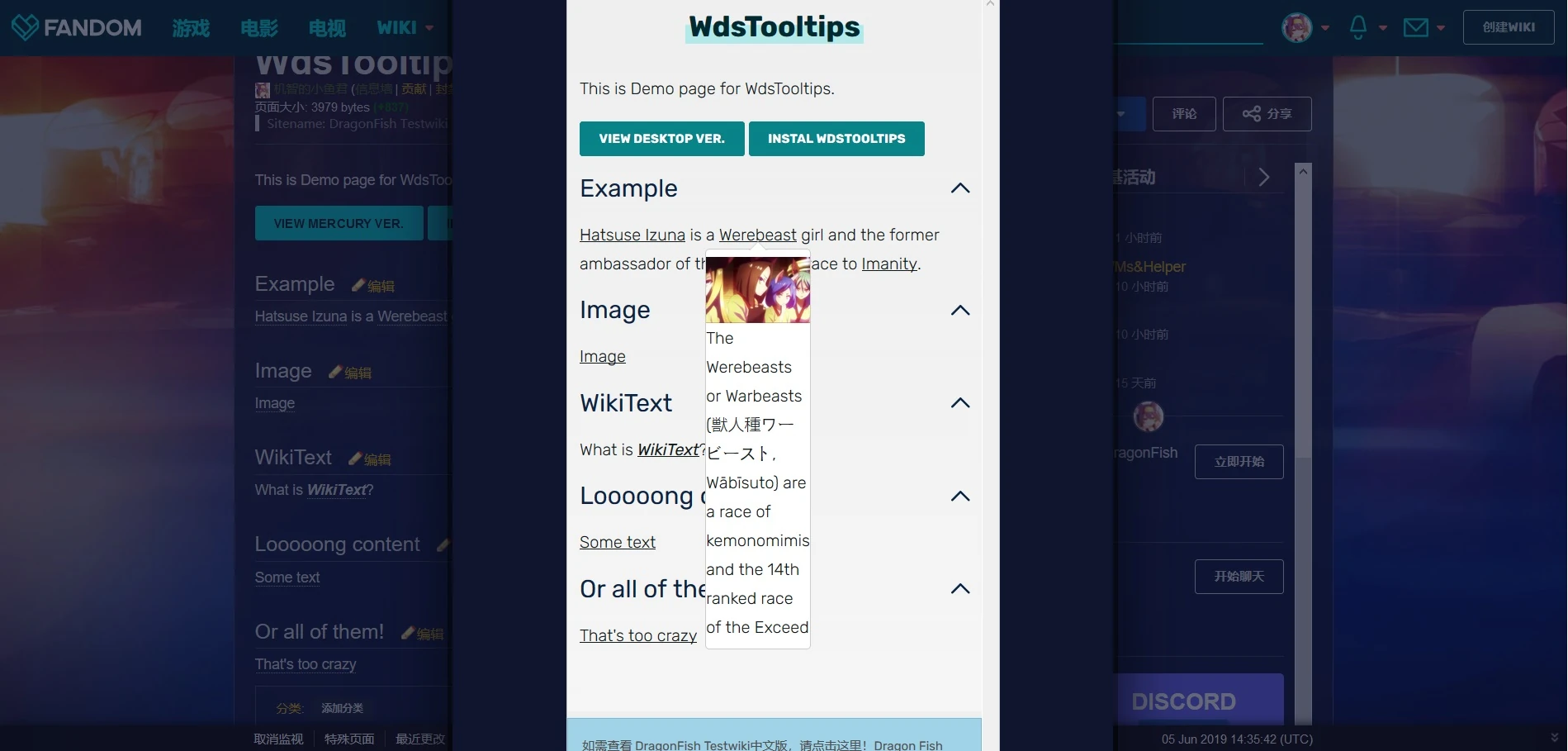
WdsTooltips – це простий скрипт, який маніпулює WDS Dropdowns для створення підказок, які працюють як на настільних, так і на мобільних екранах. На робочому столі підказка буде відображатися під час «наведення» перемикача, тоді як на мобільному пристрої такого ж результату можна досягти, «натиснувши» на нього.
Installation
Функцію можна використовувати без встановлення JS, просто налаштуйте вікітекст як нижче. Проте рекомендується інсталяція JS, оскільки це допомагає змінити розташування підказок у просторі статей і виправити проблеми з лінивим завантаженням зображень.
Налаштуйте JS
CSS Installation
Налаштуйте вікітекст
Examples

Customization
In UCP, WDS dropdowns are used in combination with WDS lists. As we are manipulating the dropdowns as tooltips instead, a few fixes are necessary. Details on customizability and available WDS classes can be found in WdsTooltips/Customization.
Usage Notes
WdsTooltips is extensively based on WDS and MediaWiki. Thus, users might often encounter issues when setting it up. WdsTooltips/Usage Notes provides detailed information on such cases along with troubleshooting them.
Mobile Accessibility
The javascript is not functional on mobile skin due to customization restrictions. Additionally, the functioning of tooltips slightly differs from that in desktop skin. To prevent from creating possible mobile inaccessibilities, see WdsTooltips/Mobile Accessibility.
Disclaimer
This script is targeted towards wikis in need of extended formatting for mobile-compatible tooltips. For simple text-only usecases, CSS3Tooltip is highly recommended.
See also
- TippingOver - an extension similar to Tooltips.js
- CSS3Tooltip - a tooltip plugin made with CSS3 only.
- Tooltips - a tooltip plugin with advanced configuration.