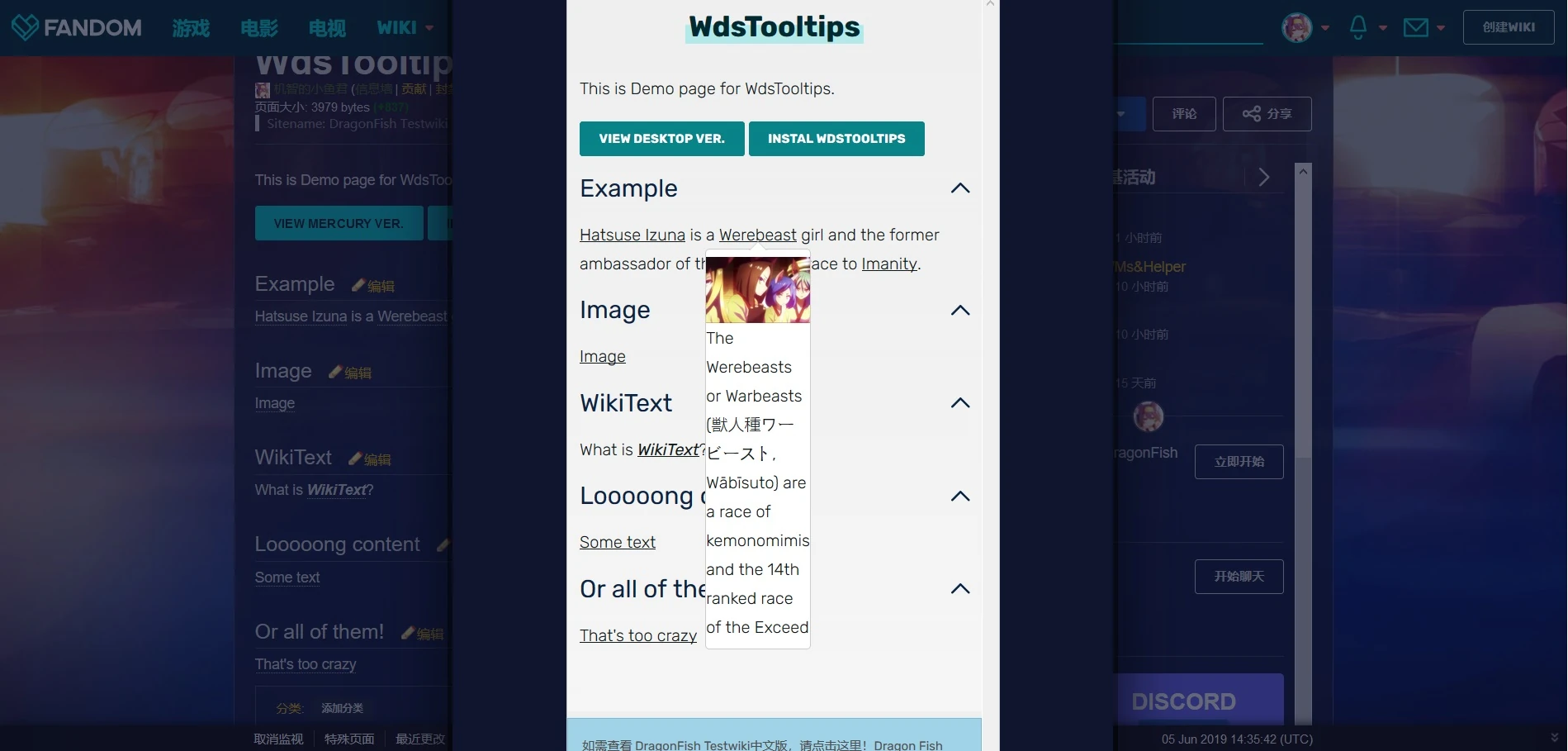
WdsTooltips is a simple tooltip component which manipulates the WDS Dropdowns to create tooltips that work on both desktop and mobile skins. On desktop, a tooltip will be displayed when hovering the toggle, while on mobile, the same result can be achieved by tapping it.
Installation
The feature can be used without JS installation, just set up wikitext as below. However, JS installation is advised as it helps reposition the tooltips inside the article space and fix issues with lazy loading images.
JS Installation
CSS Installation
Template Installation
Examples

Customization
In UCP, WDS dropdowns are used in combination with WDS lists. As we are manipulating the dropdowns as tooltips instead, a few fixes are necessary. Details on customizability and available WDS classes can be found in WdsTooltips/Customization.
Usage Notes
WdsTooltips is extensively based on WDS and MediaWiki. Thus, users might often encounter issues when setting it up. WdsTooltips/Usage Notes provides detailed information on such cases along with troubleshooting them.
Mobile Accessibility
The javascript is not functional on mobile skin due to customization restrictions. Additionally, the functioning of tooltips slightly differs from that in desktop skin. To prevent from creating possible mobile inaccessibilities, see WdsTooltips/Mobile Accessibility.
Disclaimer
This script is targeted towards wikis in need of extended formatting for mobile-compatible tooltips. For simple text-only usecases, CSS3Tooltip is highly recommended.
See also
- TippingOver - an extension similar to Tooltips.js
- CSS3Tooltip - a tooltip plugin made with CSS3 only.
- Tooltips - a tooltip plugin with advanced configuration.